System Settings
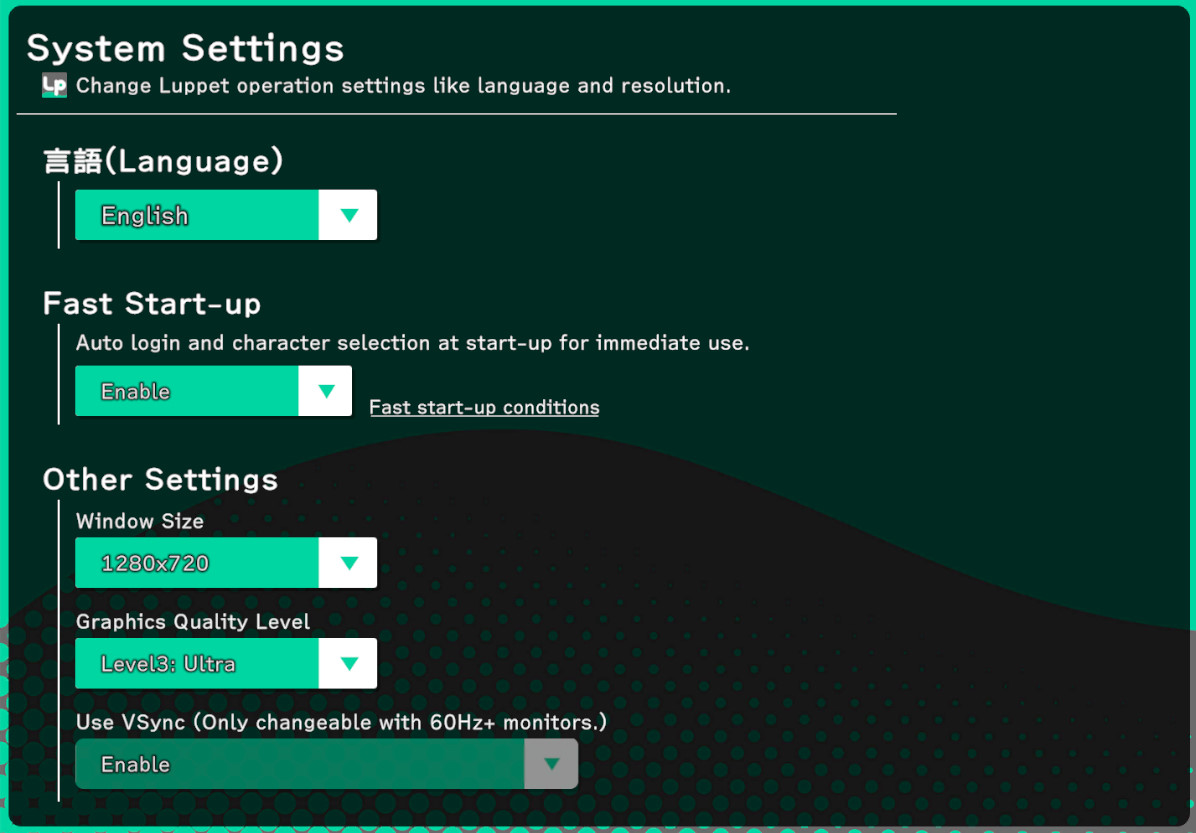
Language
Choose Japanese or English.
(No need to restart the app.)
Fast Startup
Normally, LuppetX starts up with the following screen transitions:
Character Selection Screen → Main Screen
However, when the Fast Startup option is enabled, the transition is as follows:
(Automatic Character Selection) → Main Screen
This significantly reduces the startup time.
This is a useful option for those who always select the same character.
Window Size
You can change the window size.
Rendering Quality Level
You can choose between Level 1~3.
We generally recommend using Level 3 for antialiasing.